Showing posts with label mac. Show all posts
Showing posts with label mac. Show all posts
Friday, March 24, 2017
Tor Browser 3 6 3 Use Tor on Windows Mac OS X or Linux without needing to install any software
Tor Browser 3 6 3 Use Tor on Windows Mac OS X or Linux without needing to install any software

The Tor software protects you by bouncing your communications around a distributed network of relays run by volunteers all around the world: it prevents somebody watching your Internet connection from learning what sites you visit, it prevents the sites you visit from learning your physical location, and it lets you access sites which are blocked.
The Tor Browser lets you use Tor on Windows, Mac OS X, or Linux without needing to install any software. It can run off a USB flash drive, comes with a pre-configured web browser to protect your anonymity, and is self-contained.
Here is the complete changelog:
- All Platforms
- Update Firefox to 24.7.0esr
- Update obfsproxy to 0.2.12
- Update FTE to 0.2.17
- Update NoScript to 2.6.8.33
- Update HTTPS Everywhere to 3.5.3
- Bug 12673: Update FTE bridges
- Update Torbutton to 1.6.11.0
- Bug 12221: Remove obsolete Javascript components from the toggle era
- Bug 10819: Bind new third party isolation pref to Torbutton security UI
- Bug 9268: Fix some window resizing corner cases with DPI and taskbar size.
- Linux:
- Bug 11102: Set Window Class to "Tor Browser" to aid in Desktop navigation
- Bug 12249: Dont create PT debug files anymore
Download Tor Browser 3.6.3
Go to link download

Wednesday, March 15, 2017
Spoofing MAC Address on Android
Spoofing MAC Address on Android
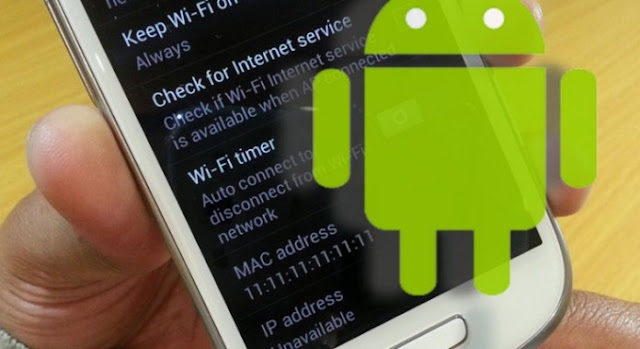
A Media Access Control address (MAC address) is a 12-character unique identifier assigned to a specific piece of hardware such as the network adapter of your WiFi device. In simple words, a MAC address can be used to uniquely identify your Android phone on the Internet or the local network.
x
Spoofing MAC Address on Android Devices:-
Even though MAC address is embedded on the hardware device during manufacture, it can still be spoofed to input a new one of your choice. Here is a detailed instruction on how to spoof MAC address on your Android phone.
Before you spoof the MAC address, you need to record the original/current MAC address of your device which can be done according to the instruction below:
- On the Home Screen of your phone, tap Menu button and go to Settings.
- Tap About Device and go to Status.
- Now scroll down to record the 12-digit code shown under Wi-Fi Mac address. An address would read something like:
Requirements for Spoofing the MAC Address:-
- Rooted Android Phone.
- BusyBox app installed on your phone.
- Once BusyBox is installed, you need to install Terminal app.
Once the above requirements are satisfied, follow the instructions below to spoof your MAC address:
1. Open the Terminal app and type the commands as listed below:
(This will show your current MAC address, just for your confirmation).
2. Now, type the following command: